How to add roles for which the widget will be displayed in the WordPress dashboard
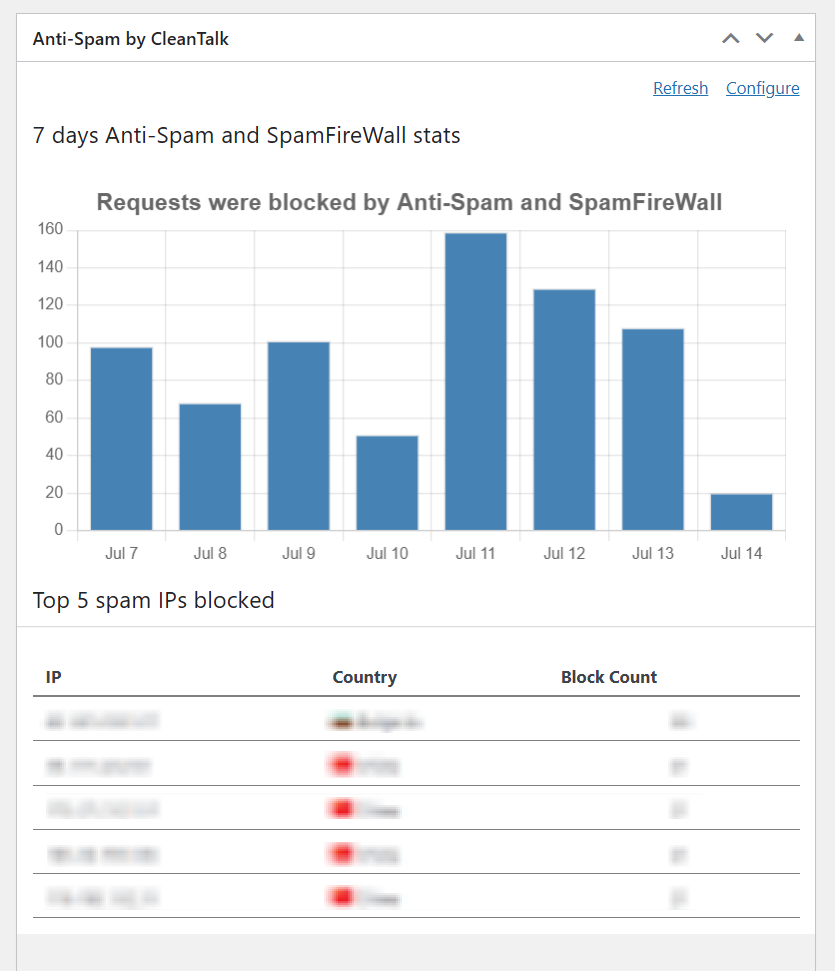
By default, the Anti-Spam and Security plugin widgets are displayed only for users with the Administrator role. You can add roles for which the widget will also be displayed. The widget that is displayed for a role other than Administrator will not contain a link leading to the CleanTalk dashboard.
How to add roles for the Anti-Spam plugin widget
Add the following code to the functions.php file of your website's theme:
add_filter('apbct_hook_dashboard_widget_allowed_roles_list', function($roles_list) {
$roles_list[] = 'role_1';
// Optional. Uncomment the line if necessary. You can continue the list
// $roles_list[] = 'role_2';
return $roles_list;
}
); Write the name of the existing role instead of role_1. The default WordPress role must be in English.
How to add roles for the Security plugin widget
Add the following code to the functions.php file of your website's theme:
add_filter('spbct_hook_dashboard_widget_allowed_roles_list', function ($roles_list) {
$roles_list[] = 'role_1';
return $roles_list;
}); Write the name of the existing role instead of role_1. The default WordPress role must be in English.

没找到您需要的内容? 联系我们的技术支持团队以获取帮助.
您可能也会感兴趣
- How to exclude pages, forms or fields from anti-spam checkingPage, Form, or Field Exclusion From Anti-Spam Checking Here is the list of guides for setting...
Copied to clipboard
